recruiter guide
Build your candidate database
Upload resumes and review processing results.
1. Choose your documents
Open Upload from the recruiter navigation. Choose the candidate resumes you intend to add to your company database.
2. Review processing
Monitor the queue. Open any failed item for its reason before retrying; do not upload the same document repeatedly while it is processing.
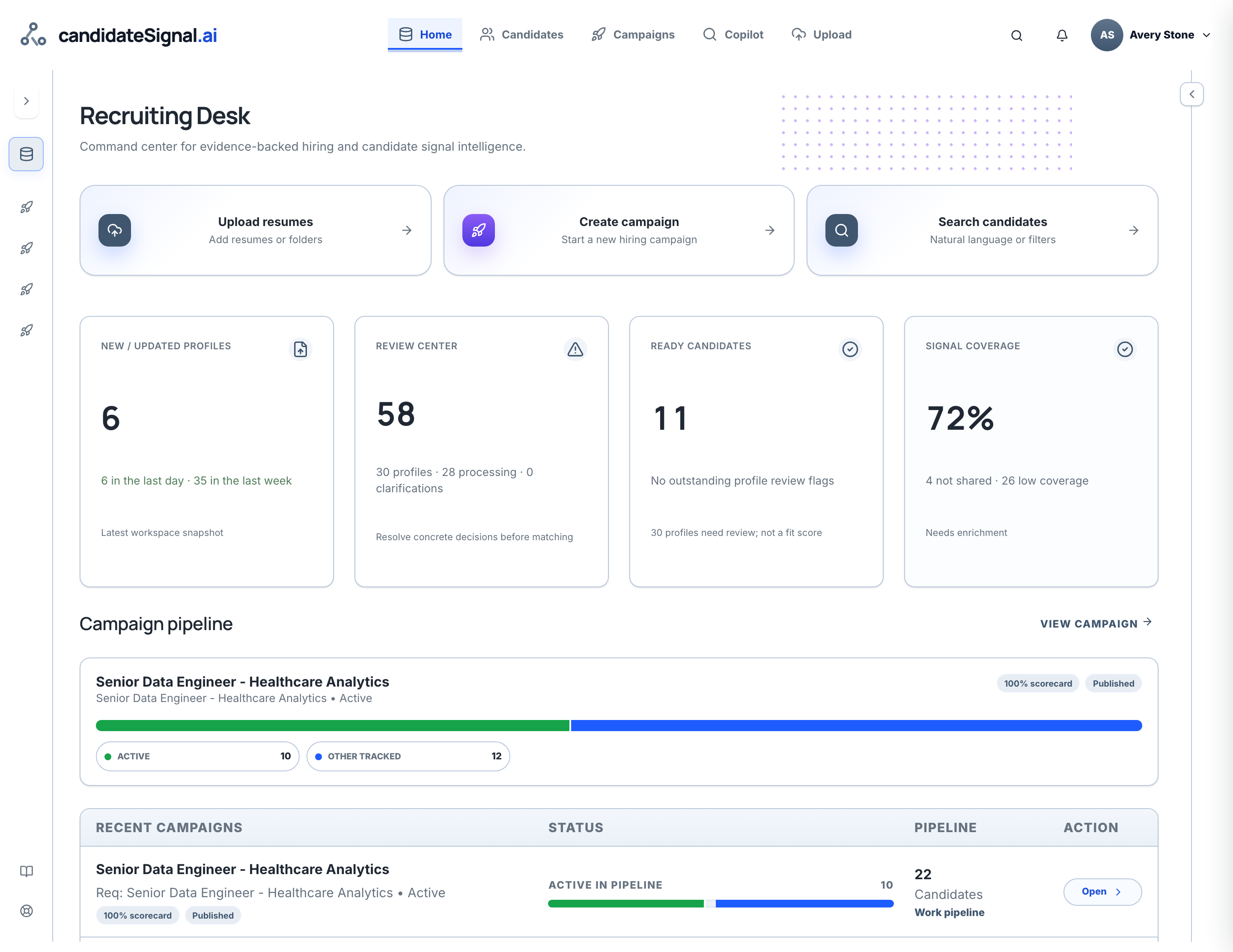
3. Review the candidate
Open Candidates to verify extracted fields and inspect the original evidence. Add recruiter notes with the appropriate visibility.
Company data is available only to authorized members.
Open recruiter workspace