candidate guide
Start with your resume
Upload, preview, and verify your experience.
1. Choose your document
Open Upload in your candidate workspace and choose your PDF or Word resume. Check that you selected the intended file.
2. Verify the facts
Once processing completes, review identity, dates, experience, and skills. Correct extraction errors before generating tailored versions.
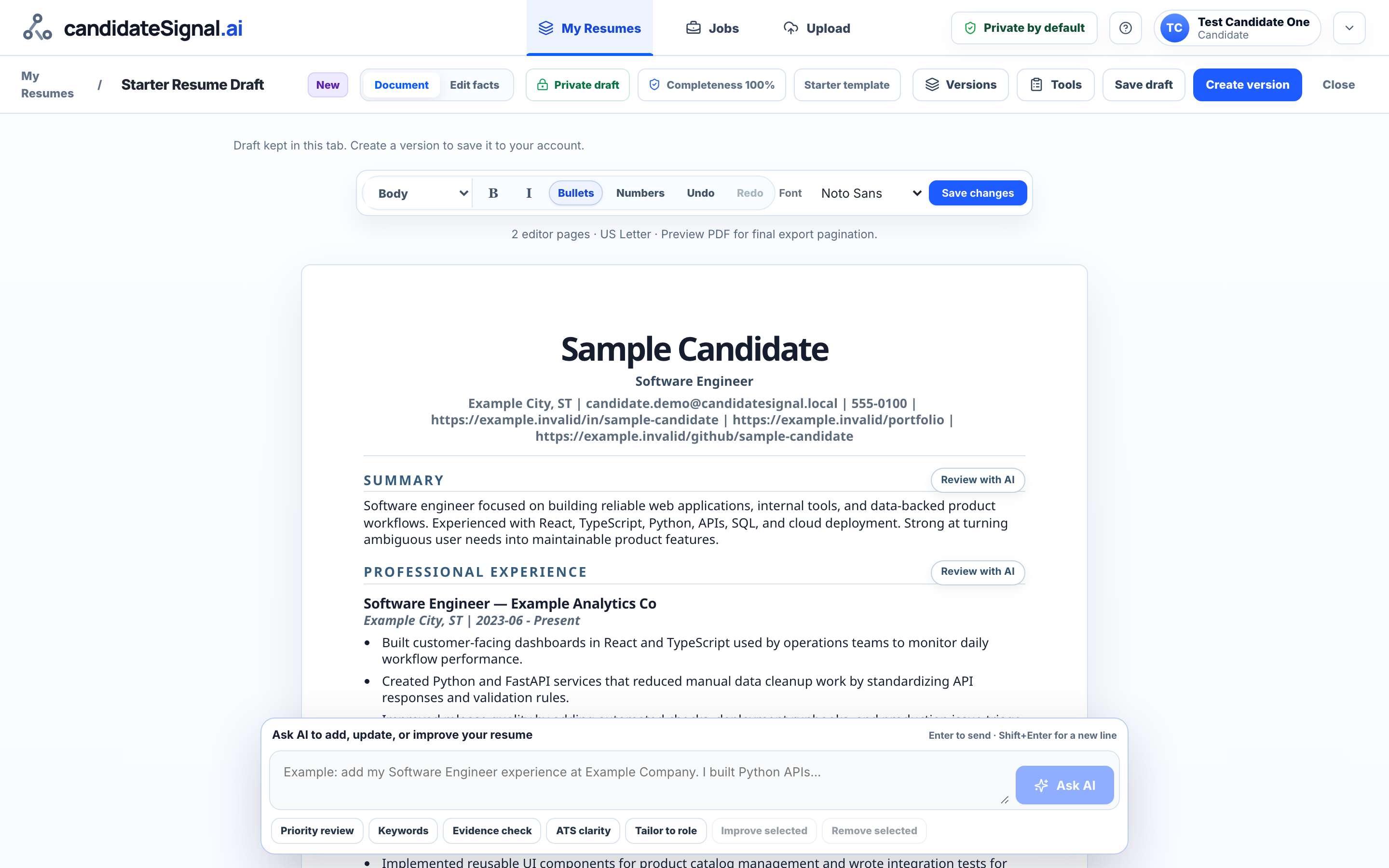
3. Keep your master
Keep your original experience as a base and create a separate version for a particular opportunity. Uploading does not create a public share link.
You review every change and choose what to share.
Open candidate workspace